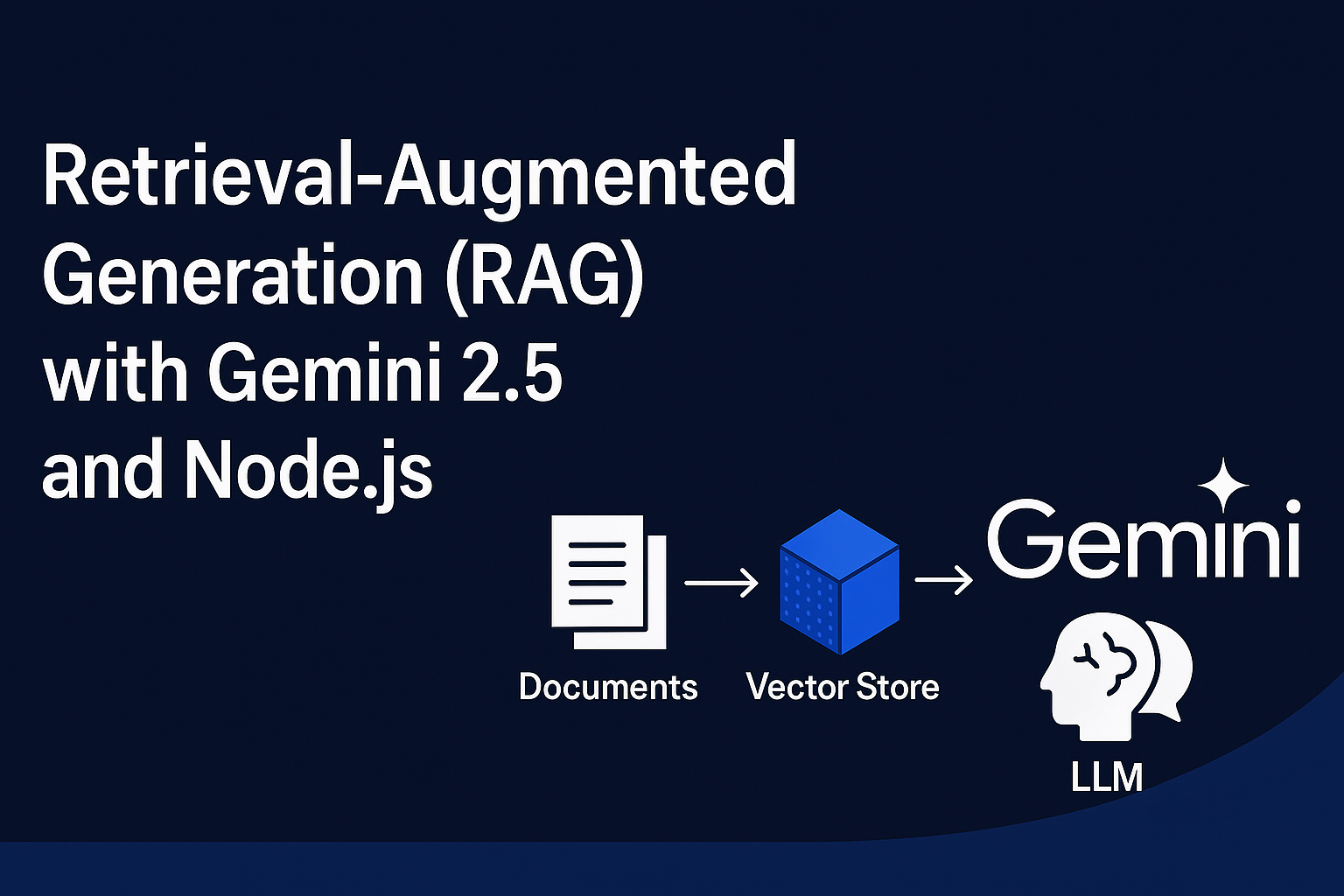
What is Retrieval-Augmented Generation (RAG) in AI
Introduction
LLMs (like ChatGPT, Claude, Gemini) are smart but have two problems:
- They don’t know new information after training (knowledge cutoff).
- Sometimes they make up answers (hallucination).
RAG solves this by letting AI search for real data first, then use it to give a correct answer.
Why RAG? (Scope)
- ✅ Get accurate answers from documents or websites.
- ✅ Use in companies (HR, IT, policies).
- ✅ Use for research (papers, medical, legal).
- ✅ Use for personal notes & files.
- ✅ Works with real-time data (news, stock prices, etc.).
Example
Employee asks:
“How many paid leaves do I get per year?”
🔎 RAG Process:
- Search documents → Finds: “Employees get 20 paid leaves per year.”
- Add to AI prompt → AI reads this context.
- Answer →
“You get 20 paid leaves per year as per HR policy.”
👉 Without RAG, AI might guess wrong.
👉 With RAG, AI gives the right answer from documents.
In short:
RAG = AI that first searches → then answers correctly.
Retrieval-Augmented Generation (RAG) with Gemini 2.5 in Node.js
We’ll implement a simple RAG pipeline using Google’s Gemini 2.5 API with Node.js and LangChain. By the end, you’ll be able to feed custom documents and ask natural language questions, getting precise AI answers.
Prerequisites
Before starting, make sure you have:
- Node.js v18 or higher installed
- A Google Gemini API Key (from Google AI Studio)
- Basic knowledge of JavaScript/Node.js
Step 1: Initialize Project
Create a new project folder:
mkdir rag-gemini
cd rag-gemini
npm init -y
Install required dependencies:
npm install @google/generative-ai langchain dotenvStep 2: Setup Environment Variables
Create a .env file to store your Gemini API key:
GEMINI_API_KEY=your_google_api_key_hereNever share your API key publicly. Keep
.envout of GitHub by adding it to.gitignore.
Step 3: Create Gemini Embeddings
Gemini provides an embedding model (embedding-001) which converts text into vectors. We’ll use it to store and search documents.
Create GeminiEmbeddings.js:
import { GoogleGenerativeAI } from "@google/generative-ai";

export class GeminiEmbeddings {
  constructor(apiKey) {
    this.client = new GoogleGenerativeAI(apiKey);
    this.model = this.client.getGenerativeModel({ model: "embedding-001" });
  }

  async embedDocuments(documents) {
    return Promise.all(
      documents.map(doc =>
        this.embedQuery(doc.pageContent || doc)
      )
    );
  }

  async embedQuery(text) {
    const result = await this.model.embedContent({ content: { parts: [{ text }] } });
    return result.embedding.values;
  }
}
Step 4: Create RAG Pipeline
Now create the main file rag_gemini.js:
import dotenv from "dotenv";
dotenv.config();

import { MemoryVectorStore } from "langchain/vectorstores/memory";
import { GeminiEmbeddings } from "./GeminiEmbeddings.js";
import { GoogleGenerativeAI } from "@google/generative-ai";

// 1. Sample Documents
const documents = [
  { pageContent: "Employees are entitled to 20 paid leaves per year." },
  { pageContent: "Office timings are 9 AM to 6 PM, Monday to Friday." },
  { pageContent: "Employees get health insurance benefits after 6 months." }
];

// 2. Initialize Embeddings
const embeddings = new GeminiEmbeddings(process.env.GEMINI_API_KEY);
const vectorStore = await MemoryVectorStore.fromDocuments(documents, embeddings);

// 3. User Query
const query = "How many paid leaves do I get in a year?";

// 4. Retrieve Context
const results = await vectorStore.similaritySearch(query, 1);
const context = results.map(r => r.pageContent).join("\n");

// 5. Ask Gemini 2.5
const genAI = new GoogleGenerativeAI(process.env.GEMINI_API_KEY);
const model = genAI.getGenerativeModel({ model: "gemini-2.5-pro" });

const prompt = `Context: ${context}\n\nQuestion: ${query}\nAnswer:`;
const response = await model.generateContent(prompt);

// 6. Show Result
console.log("User Question:", query);
console.log("AI Answer:", response.response.text());
Step 5: Run the Project
Start the script:
node rag_gemini.jsExpected output:
User Question: How many paid leaves do I get in a year?
AI Answer: Employees are entitled to 20 paid leaves per year.
How It Works
- Documents stored → Sample company policies.
- Embedding → Each document is converted into vectors using Gemini’s
embedding-001. - Vector Store → LangChain stores these embeddings in memory.
- Similarity Search → User query is converted into embeddings and compared with stored documents.
- Gemini Answer → The retrieved context is passed to Gemini 2.5 Pro which generates the final
RAG pipeline
(Documents → Embeddings → Vector Store → Gemini → Answer)
Full code available at github https://github.com/110059/rag-retrieval-augmented-generation